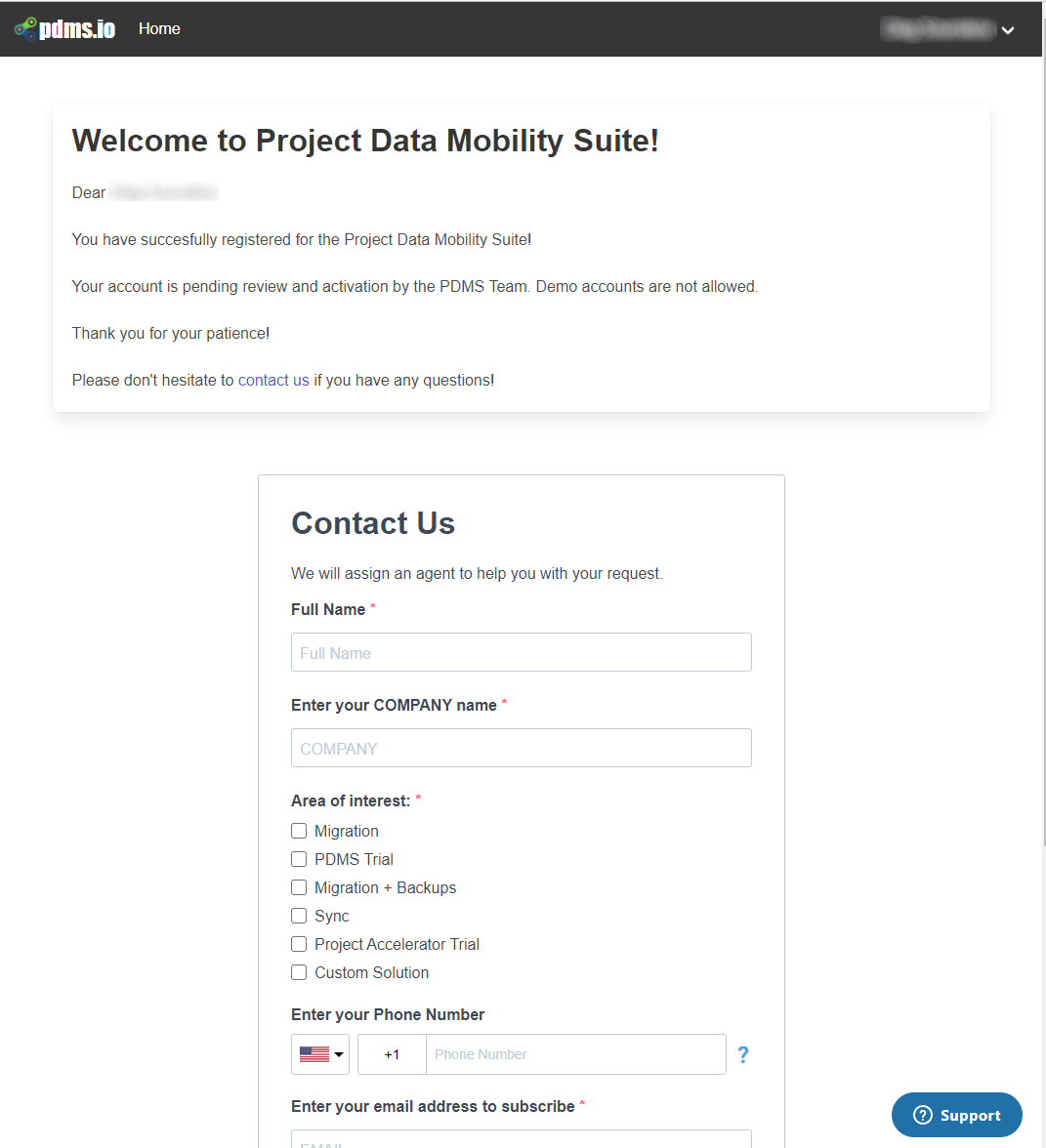
To use the services provided by the platform, it is required to have an authenticated user account.
There are two supported types of user accounts: Microsoft Azure AD organization accounts and plain email/password accounts. Microsoft authentication is recommended and encouraged to use, while the email/password option is available as a fallback.
The user can use the self-service sign-up or sign up via the invitation link received from pdms.io staff. The process is the same in both cases however, when the registration is performed via the self-service route, the user account will be created as inactive and will require activation by the pdms.io team.
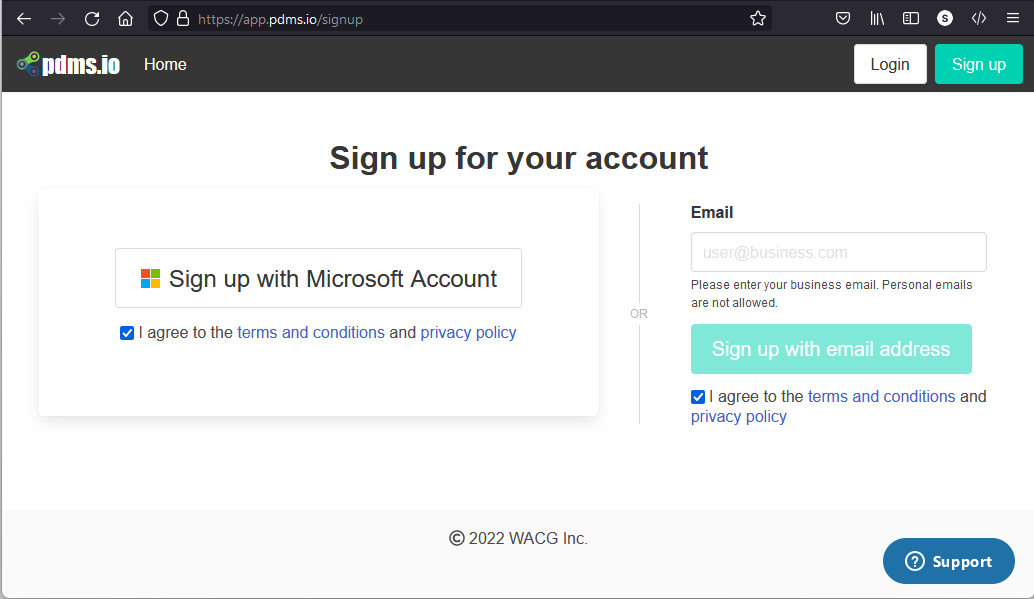
To begin the signup process, use the "Sign up" link on the top of the https://app.pdms.io page or navigate by the invite link received from the pdms.io team:

You will be directed to the sign up page, where you will choose whether to use Microsoft Account authentication or the email/password option. It is highly recommend to use Microsoft Account due to highest level of security when possible. Note: you need to agree to terms of service and privacy policy to continue the registration.
Once the registration is complete, you will be directed to the application. In case if the registration is performed via the self-registration route, your account will be initially created as inactive. Please use the Contact Us form to expedite the activation process.